AppWageSales, subscriptions, reviews and rankings
Customizable charts
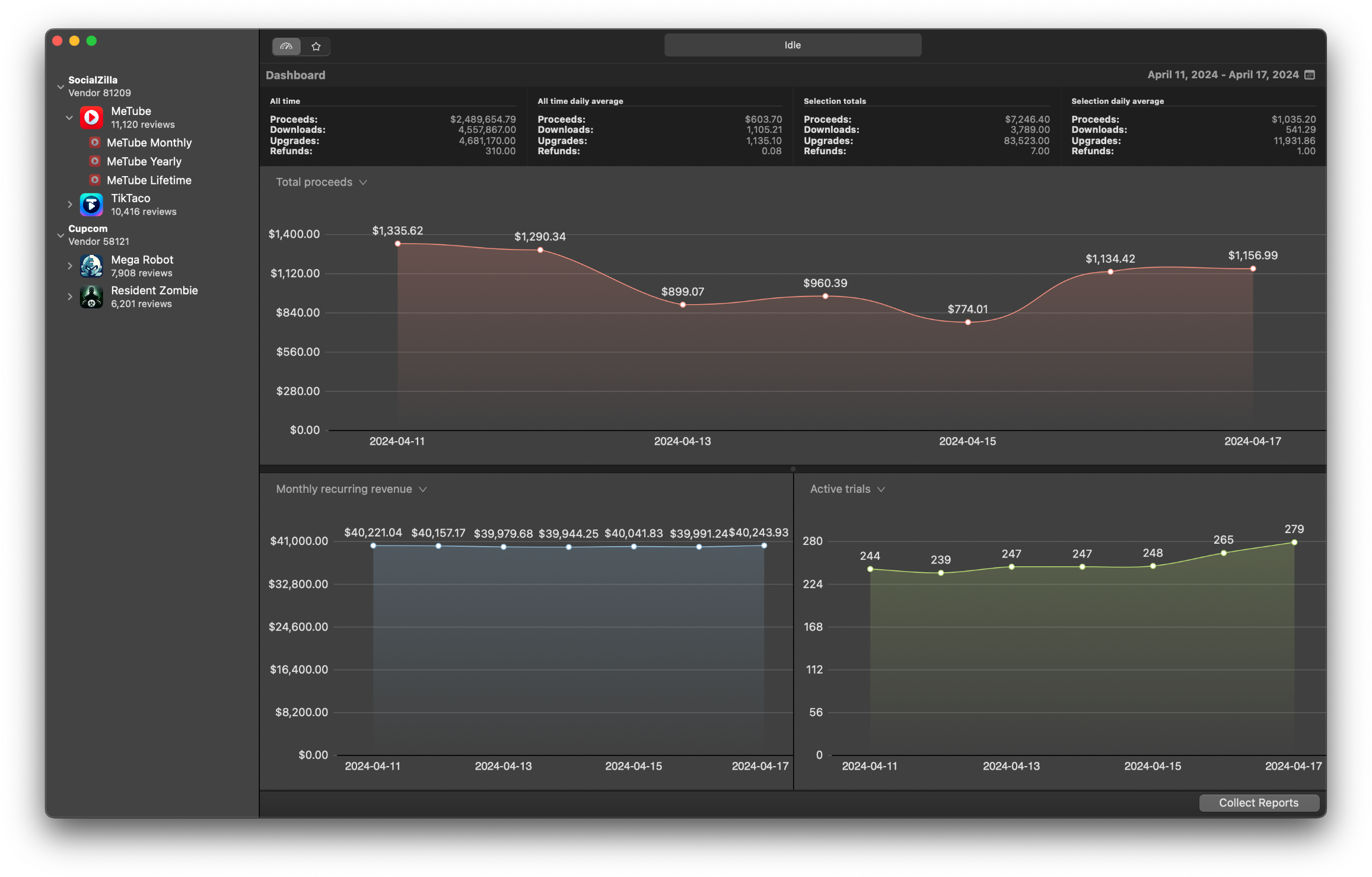
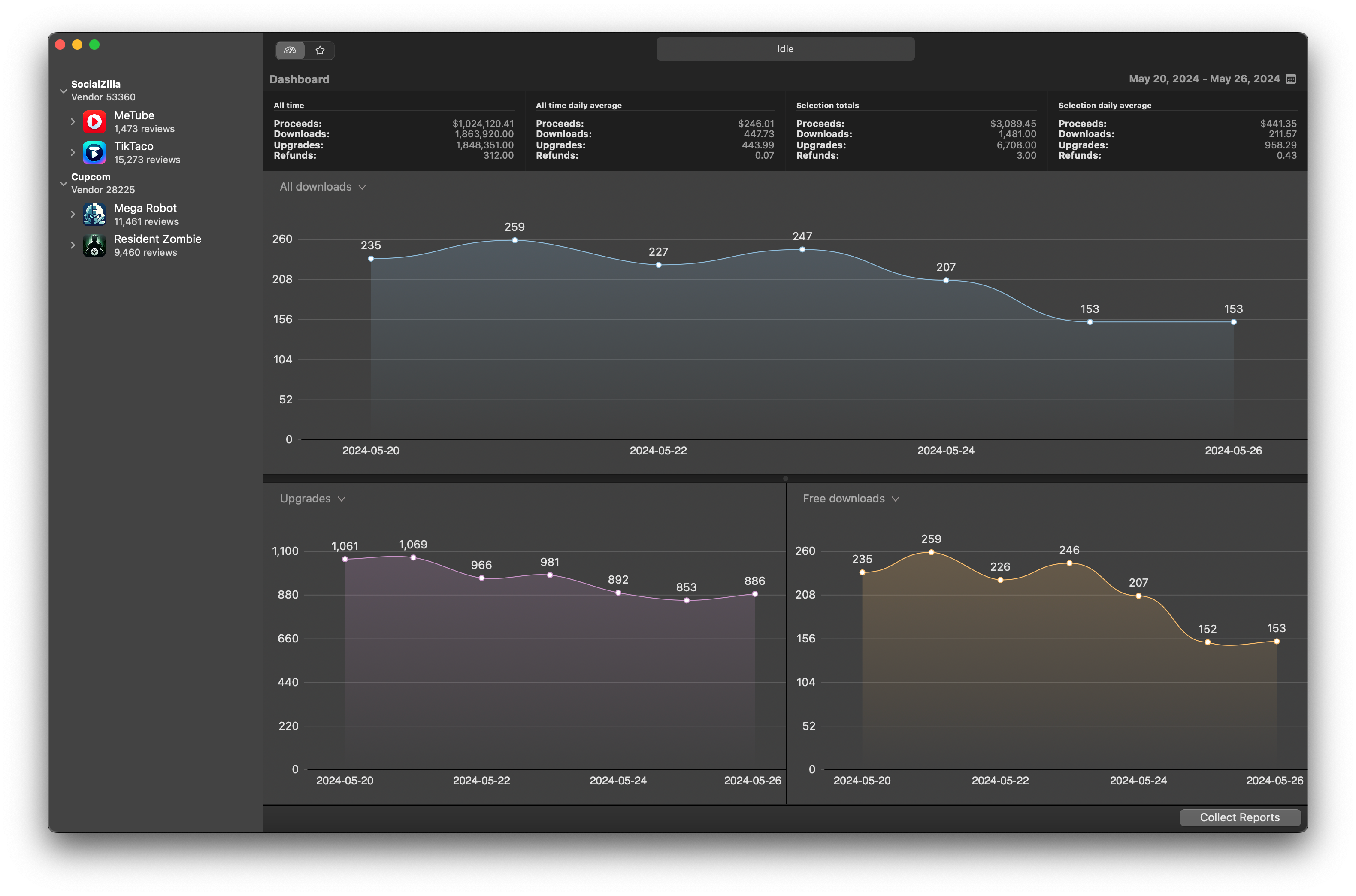
Customizable charts let you select from various sales metrics, including downloads, proceeds, upgrades, and refunds, as well as subscription metrics like MRR and active trials. You also have the option to choose colors for each individual chart, allowing you to create a personalized and visually appealing representation of your data.
Track, translate and filter reviews
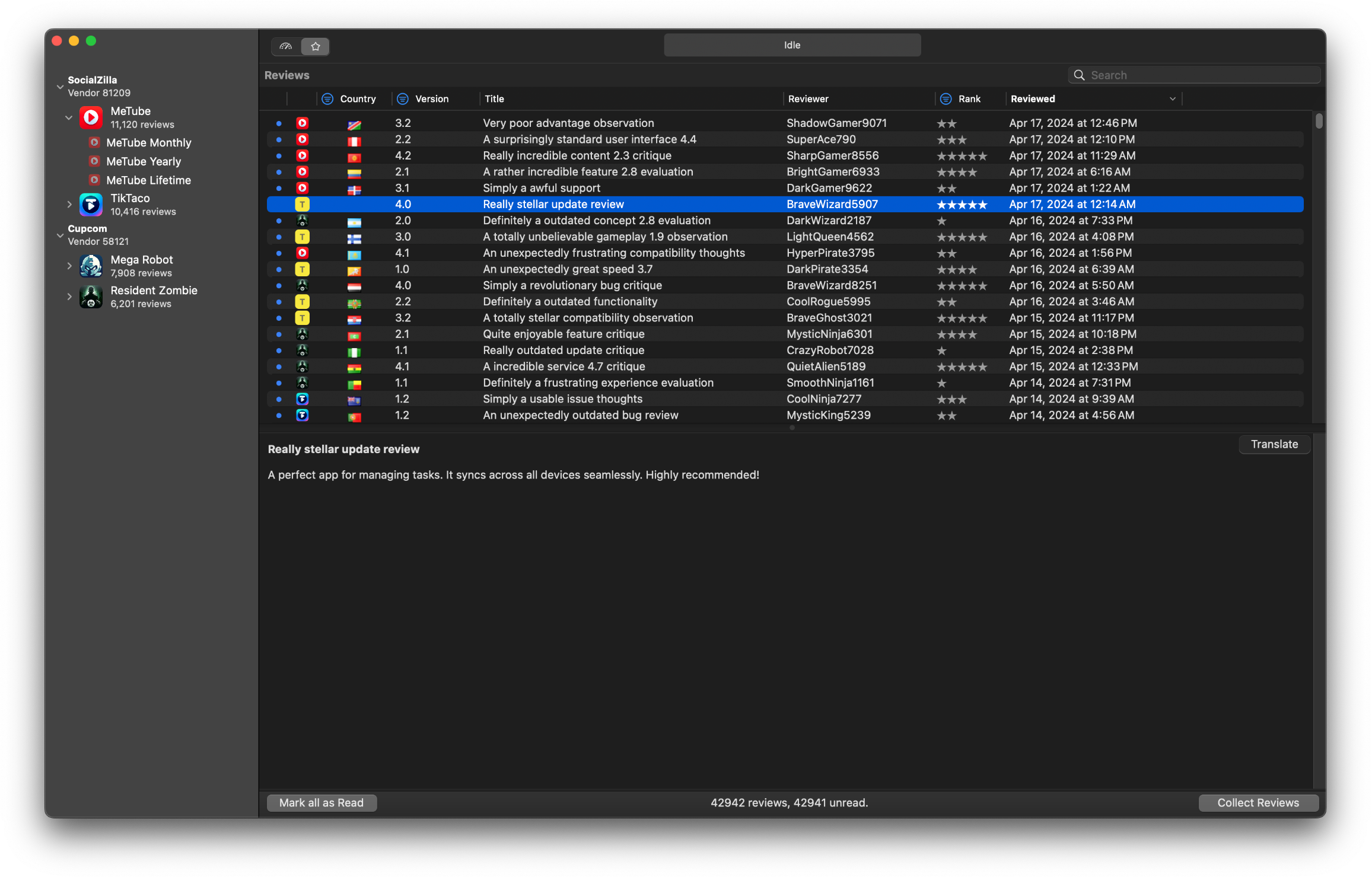
Download user reviews effortlessly and keep track of user feedback in real-time. Translate reviews into your preferred language, making it easy to understand and respond to global feedback. Filter reviews by rating, date, and keywords to quickly identify important feedback and common issues.
App Store analytics for macOS developers
I build Mac and iOS apps myself, and I got tired of logging into App Store Connect, clicking around, and still not having a clear picture of how things were doing over time. So I made AppWage to pull all of it onto my Mac. You connect your account once, it downloads your sales, proceeds, and subscription reports on its own, charts them for you, and keeps an eye on new reviews as they come in. Everything stays local, so your numbers live on your machine instead of in someone else's dashboard.
One app or a dozen subscriptions, it is the same idea: take the raw reports Apple hands you and turn them into something you can actually read, without living in a spreadsheet.
Sales & proceeds tracking
Track downloads, proceeds, upgrades, and refunds across every app and territory. Charts update automatically as new daily and monthly reports arrive.
Subscription metrics
Follow monthly recurring revenue (MRR), active trials, conversions, and churn so you can see the health of your subscription business at a glance.
Review monitoring
Download App Store reviews, translate them into your language, and filter by rating, date, or keyword to spot issues and respond faster.
Keyword & chart rankings
Track where your app ranks in App Store search for the keywords you care about, and follow your category and chart positions over time, country by country.
Built for the Mac
AppWage is a native macOS app, available on Setapp. It needs your App Store Connect details to fetch reports; if you are not sure where to find them, see finding your vendor ID.
Your data stays private
Reports are downloaded and stored locally on your Mac. AppWage is independently developed by Hankinsoft Development, Inc. Read our privacy policy and terms of use.
Keep your data forever
App Store Connect only keeps your daily, weekly, and monthly reports for one year. AppWage stores a permanent local history on your Mac, so you never lose older data. See how the two compare in AppWage vs. App Store Connect.
No SDK required
AppWage reads the reports App Store Connect already produces, so there is nothing to integrate into your app and no code to ship. Connect your account and you are done.